Agent Workflows
>

Bulk Invoice Downloads

Woodrow logs into your portals and systems, downloads invoices in bulk, and organizes them by vendor, customer, and period—so they’re ready for reconciliation, collections, payment review, or audit without manual retrieval.
Request access
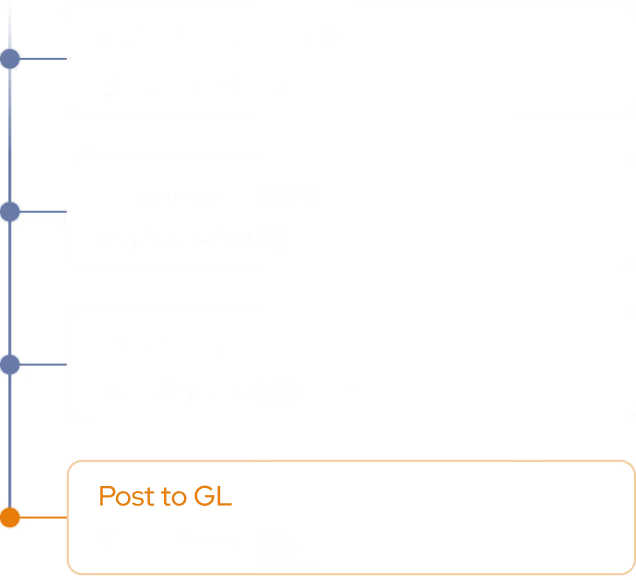
Bulk Invoice Downloads: Execution Plan
step 1
Retrieve from Portals
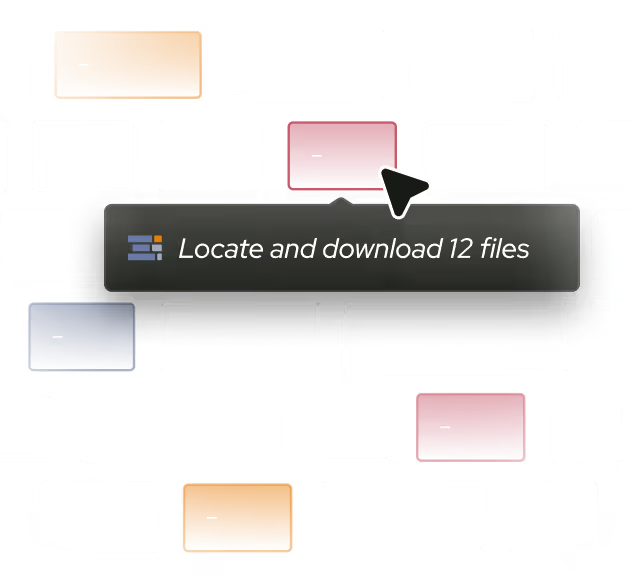
Log into your portals and systems and download invoices in bulk for the vendors, customers, and periods you specify.
step 2
Organize & Rename
Sort every invoice by customer and period, apply your naming convention, and structure folders the way your team expects.
Output
Prepare for Reconciliation
Deliver an organized, complete set of invoices to your shared drive or system, ready for reconciliation, collections, payment review, or audit.

Invoices, organized and audit‑ready

Woodrow connects to your portals, ERP, and supporting systems to pull invoices in bulk. It downloads, organizes by vendor, customer, and period, and files everything where your team expects, so you can spend less time retrieving documents manually.
+ Outlook, Gmail, Slack, and any other platform your team uses.
Bulk retrieval
Download invoices in bulk from portals and systems, across the vendors, customers and periods you choose.
Auto-organization
Sort and rename every invoice by vendor, customer and period using your folder structure and naming conventions.
Audit-ready delivery
Deliver a complete, organized set of invoices to your drive or system, ready for reconciliation, collections, payment review, or audit.
HOW WOODROW WORKS

Automate your processes with enterprise AI

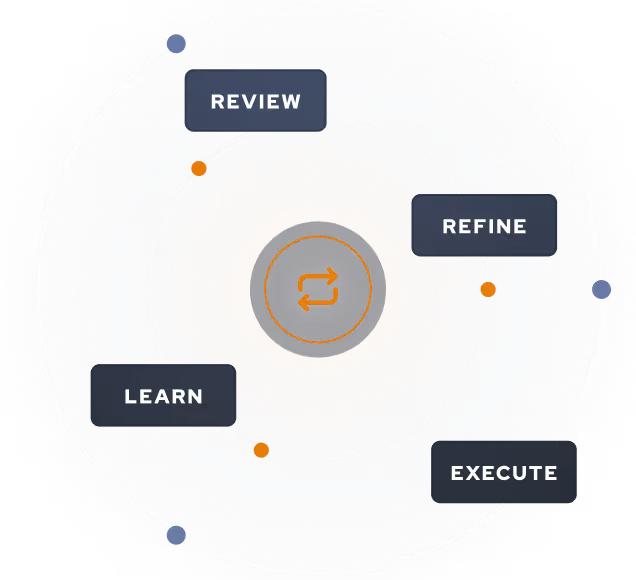
Woodrow helps teams automate cross-system workflows with the accuracy, auditability, and controls enterprise work requires. Connect your systems, describe the process, and Woodrow runs the workflow while keeping every step visible and reviewable.
01
Describe your workflow
Tell Woodrow what you want to automate in natural language. AI maps the necessary steps, systems, rules, and review points, then builds the complete workflow for you.
02
AI works across your stack
As payroll volume grows, your team can handle more runs, more entities, and more complexity—without adding headcount.
03
Woodrow keeps the workflow current
As your process changes, Woodrow updates the steps behind the scenes so the workflow stays accurate without manual rebuilds or constant maintenance.
Auditable and secure
Woodrow is SOC 2 Type II certified. Every workflow runs with scoped permissions, clear review steps, and an audit trail of the actions taken. PII stays within your environment and is never used to train any model.
Learn more about security

Common questions

Can Woodrow support both AP and AR invoice retrieval?

Can Woodrow log into third-party portals?

How does Woodrow know which invoices to download?

Can Woodrow use our folder structure and naming conventions?

What happens if an invoice is missing?

Where does Woodrow deliver the downloaded invoices?

Can Woodrow retrieve invoices on schedule?

EXPLORE MORE WORKFLOWS

More ways to automate AP/AR