An AI agent for teams who can't afford blind spots
Woodrow captures every action, decision, and approval in full detail—giving your team the visibility to review, report, and respond without digging for answers.
Step-by-step logs for every workflow run
Reasoning, actions, and outcomes all recorded
Export-ready for internal reviews and audits
Built for SOC 2 and enterprise compliance
COMPLETE AUDIT TRAILS
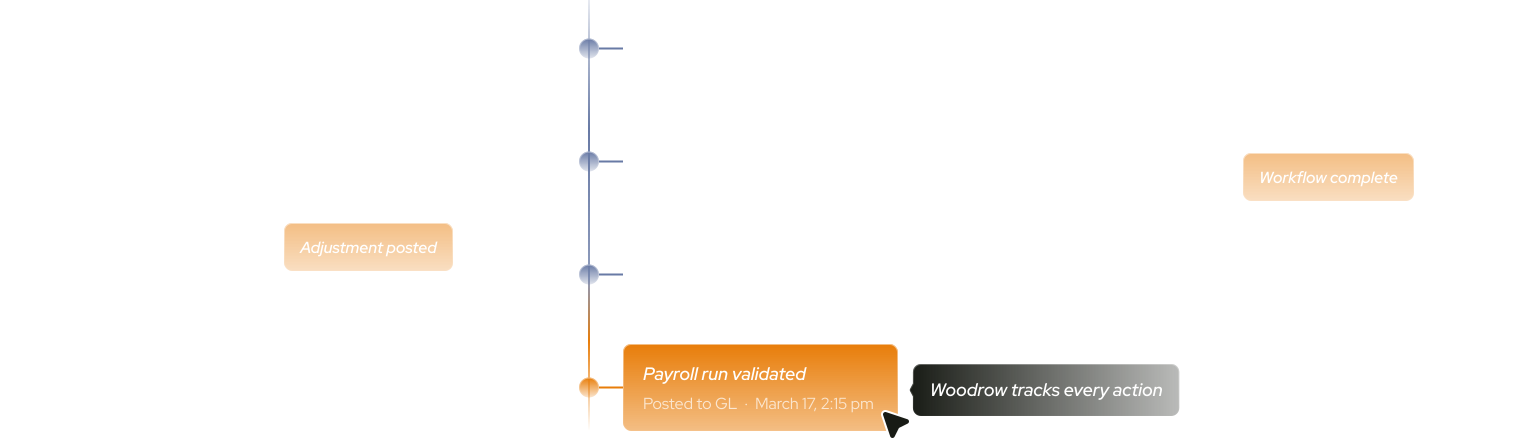
Trace any workflow, step-by-step
Woodrow documents each step as it runs, so your team can follow exactly what happened, validate how it resolved, and share the record with anyone who needs it.
End-to-end workflow tracking
Review each step Woodrow executed in sequence, including the inputs it used and the outputs it produced.
System activity logs
Every action taken inside a connected tool is recorded with a timestamp—giving you a consistent, cross-system record of execution.
Browser replay
Watch a screen recording of exactly what happened inside a connected system—step by step, exactly as it ran.
Documented approvals
Each approval is logged with the context of when it happened and what Woodrow did next.
SECURE INTEGRATIONS
Keep track of every tool accessed
Woodrow's activity inside connected systems doesn't happen in the dark. Every connection is logged and available for review whenever your team needs it.
See exactly what happened, every time
Every system login is recorded with a timestamp and tied to the workflow step that triggered it.
No access beyond what's needed
Permissions are defined at the workflow level. Woodrow operates within those boundaries on every run.
Visibility across your stack
Your IT and security teams can always see which systems Woodrow touched, when, and why.
ENTERPRISE COMPLIANCE
Your data stays protected
Woodrow is SOC 2 Type II compliant with strict encryption at rest and in transit, scoped access controls, and strict data isolation. Your data is never used to train underlying AI models.
.png)
.svg)

.svg)
.svg)
.svg)
.svg)
.png)
.avif)


.svg)
.svg)

.svg)
.svg)
.svg)
.svg)

.svg)
.svg)
.svg)
.svg)
.svg)


.svg)
.svg)




.svg)


.svg)
.svg)
.svg)

.svg)


.svg)

.svg)
