Agent Workflows
>
Accounts Payable

Expense Reconciliation

Woodrow matches card transactions, expense reports, receipts, statements, and GL activity, flags unmatched, duplicate, missing, or out-of-policy items, and routes issues for review—so expenses are easier to reconcile before close.
Request access
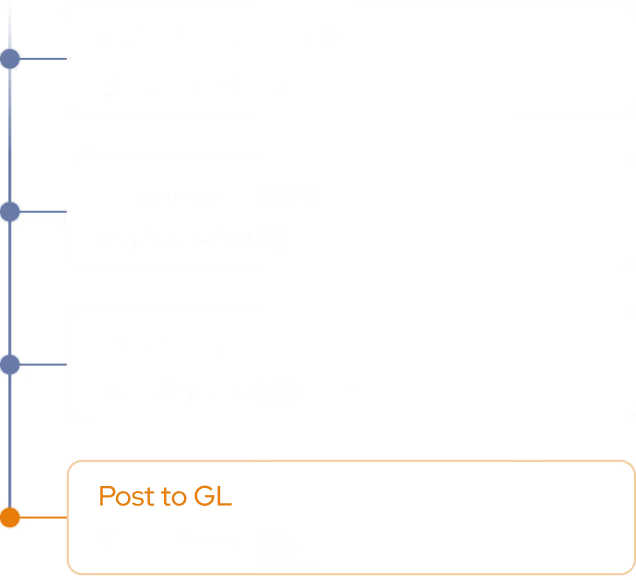
Expense Reconciliation: Execution Plan
step 1
Gather Transactions & Reports
Pull card transactions, expense reports, receipts, statements, and GL activity from your expense platform, card provider, ERP, and supporting files for the period.
step 2
Match & Flag Exceptions
Match each transaction to the related expense report, receipt, statement line, and GL entry, then flag unmatched items, duplicates, missing receipts, mismatched amounts, and out-of-policy spend.
Output
Reconcile or Escalate
Clear matched transactions, prepare reconciling detail, and flag unresolved items to the right owner with the source context attached.

Expenses reconciled before close

Woodrow connects to your expense platform, card provider, ERP, and inbox to help reconcile expenses every period. It matches transactions to receipts, reports, statements, and GL entries, then flags unmatched, duplicate, missing, or out-of-policy items—so your team can spend less time tying out spreadsheets and chasing employees.
+ Card portals, spreadsheets, shared drives, and any other tool your team uses.
Cleaner expense records
Bring receipts, reports, card activity, statements, and GL detail together so each transaction has the context needed for review.
Fewer close surprises
Surface missing receipts, duplicate charges, policy issues, mismatched amounts, and uncoded spend before they slow down reconciliation.
Faster issue resolution
Route open items to the right cardholder, manager, or finance owner with the transaction, receipt, policy, and GL context attached.
HOW WOODROW WORKS

Automate your processes with enterprise AI

Woodrow helps teams automate cross-system workflows with the accuracy, auditability, and controls enterprise work requires. Connect your systems, describe the process, and Woodrow runs the workflow while keeping every step visible and reviewable.
01
Describe your workflow
Tell Woodrow what you want to automate in natural language. AI maps the necessary steps, systems, rules, and review points, then builds the complete workflow for you.
02
AI works across your stack
Woodrow plugs into your existing tools, pulling and pushing data where it's needed and running every step in place. No manual handoffs or copy-paste between systems.
03
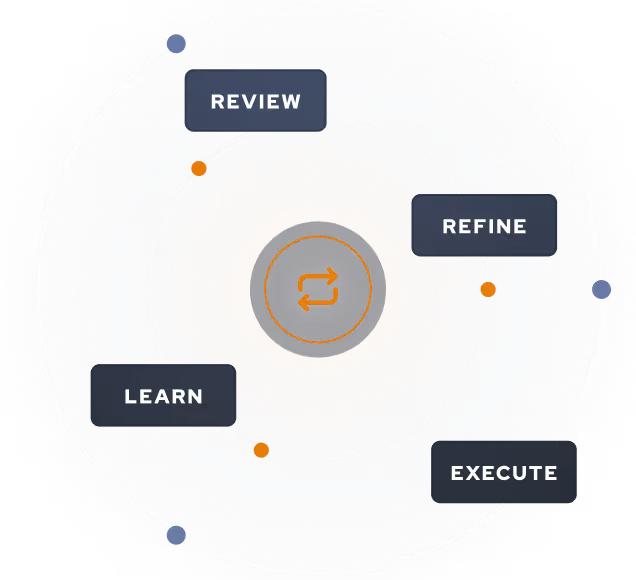
Woodrow keeps the workflow current
As your process changes, Woodrow updates the steps behind the scenes so the workflow stays accurate without manual rebuilds or constant maintenance.
Auditable and secure
Woodrow is SOC 2 Type II certified. Every workflow runs with scoped permissions, clear review steps, and an audit trail of the actions taken. PII stays within your environment and is never used to train any model.
Learn more about security

Common questions

What expenses can Woodrow reconcile?

What kinds of issues can Woodrow flag?

What happens when Woodrow cannot resolve an item?

Can Woodrow follow our expense policies?

Does Woodrow post entries automatically?

EXPLORE MORE WORKFLOWS

More ways to automate accounts payable