Agent Workflows
>

Payroll Journal Entry Prep

Woodrow turns payroll provider outputs into journal entries formatted for your GL—mapping pay categories to your chart of accounts, allocating across entities and cost centers, and handling period-end cutoffs—then routes every entry for review.
Request access
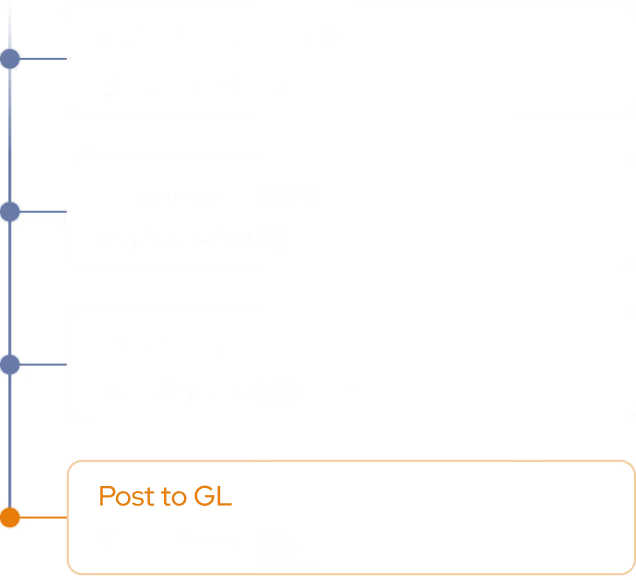
Payroll Journal Entry Prep: Execution Plan
step 1
Pull Payroll Outputs
Retrieve gross pay, taxes, deductions, and employer contributions from your payroll provider for the selected period. Organize by entity, department, and cost center.
step 2
Map to Chart of Accounts
Translate each payroll category to the right GL account, allocate across entities and cost centers, and apply period-end cutoffs so amounts land in the correct period.
Output
Draft & Route Journal Entries
Produce balanced journal entries formatted for your GL/ERP, attach backup, and route each to the right reviewer for approval.

GL-ready journal entries that fit your ERP

Woodrow connects to your payroll provider, ERP, and supporting systems to turn payroll runs into journal entries for review. It applies your account mapping, allocation logic, entity structure, cost center rules, and cutoff requirements, so your team can spend less time preparing entries manually.
+ Spreadsheets, Google Drive, Outlook, Slack, and any other tool your team uses.
Account mapping
Map every pay category—wages, taxes, benefits, and employer contributions—to the right GL account, consistently on every run.
Multi-entity allocations
Split costs across entities, departments, and cost centers using your allocation rules, with every entry balanced before it posts.
Period-end cutoffs
Accruals and reversals are timed to your close calendar so payroll lands in the correct period, every time.
HOW WOODROW WORKS

Automate your processes with enterprise AI

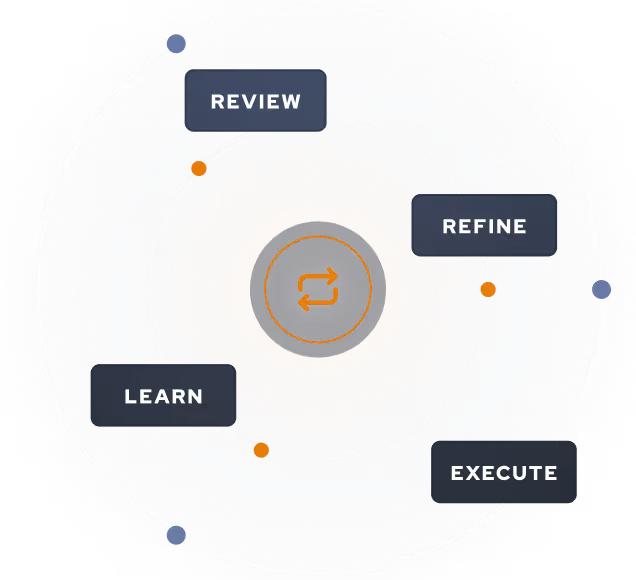
Woodrow helps teams automate cross-system workflows with the accuracy, auditability, and controls enterprise work requires. Connect your systems, describe the process, and Woodrow runs the workflow while keeping every step visible and reviewable.
01
Describe your workflow
Tell Woodrow what you want to automate in natural language. AI maps the necessary steps, systems, rules, and review points, then builds the complete workflow for you.
02
AI works across your stack
As payroll volume grows, your team can handle more runs, more entities, and more complexity—without adding headcount.
03
Woodrow keeps the workflow current
As your process changes, Woodrow updates the steps behind the scenes so the workflow stays accurate without manual rebuilds or constant maintenance.
Auditable and secure
Woodrow is SOC 2 Type II certified. Every workflow runs with scoped permissions, clear review steps, and an audit trail of the actions taken. PII stays within your environment and is never used to train any model.
Learn more about security

Common questions

What payroll data can Woodrow use to prepare journal entries?

Can Woodrow map payroll categories to our specific chart of accounts?

How does Woodrow handle allocations across entities and cost centers?

Can Woodrow handle period-end cutoffs?

Does Woodrow post journal entries automatically?

EXPLORE MORE WORKFLOWS

More ways to automate payroll