Agent Workflows
>

Payment Processor Revenue Entries

Woodrow takes multiple reports from your payment processor, joins them by transaction ID, maps each field to your ERP requirements, validates the data, and exports an upload-ready CSV, even for large files that are difficult to manage in Excel.
Request access
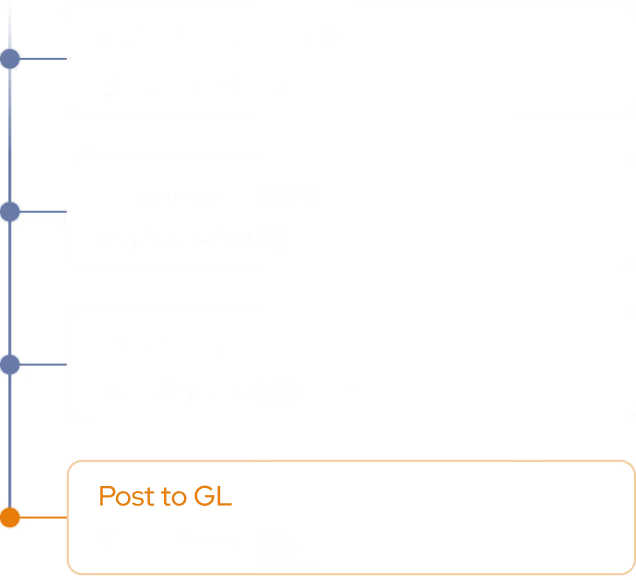
Payment Processor Revenue Entries: Execution Plan
step 1
Join Processor Reports
Retrieve transaction, sales, fee, and adjustment reports from your payment processor, then join them by transaction ID into one consolidated dataset.
step 2
Pivot & Map to ERP IDs
Build the required summaries, separate quantities and amounts, and map product line, location, account, and other fields to your ERP’s internal IDs using your reference files.
Output
Validate & Export CSV
Run validation checks across the consolidated data, then export an ERP-ready CSV—handling large processor files that are difficult to manage manually.

Revenue journal entries, ready for your ERP

Woodrow connects to your payment processors, reference files, and ERP to turn raw transaction reports into upload-ready revenue journal entries. It joins reports by transaction ID, builds the required summaries, maps fields to internal IDs, validates the output, and exports an ERP-ready CSV, so your team can spend less time wrestling with spreadsheets.
+ Google Drive, Outlook, Slack, and any other tool your team uses.
Multi-report joins
Join sales, fee, adjustment, and transaction-level reports by transaction ID into a single consolidated dataset.
ERP ID mapping
Map fields like product line, location, account, entity, department, and transaction type to the internal IDs your ERP requires.
Built for 30K+ rows
Process large processor files with tens of thousands of rows, without relying on fragile spreadsheets or manual workarounds.
HOW WOODROW WORKS

Automate your processes with enterprise AI

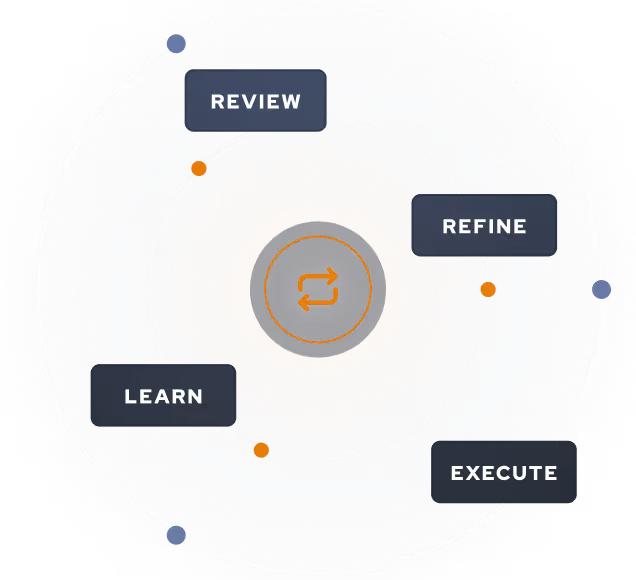
Woodrow helps teams automate cross-system workflows with the accuracy, auditability, and controls enterprise work requires. Connect your systems, describe the process, and Woodrow runs the workflow while keeping every step visible and reviewable.
01
Describe your workflow
Tell Woodrow what you want to automate in natural language. AI maps the necessary steps, systems, rules, and review points, then builds the complete workflow for you.
02
AI works across your stack
As payroll volume grows, your team can handle more runs, more entities, and more complexity—without adding headcount.
03
Woodrow keeps the workflow current
As your process changes, Woodrow updates the steps behind the scenes so the workflow stays accurate without manual rebuilds or constant maintenance.
Auditable and secure
Woodrow is SOC 2 Type II certified. Every workflow runs with scoped permissions, clear review steps, and an audit trail of the actions taken. PII stays within your environment and is never used to train any model.
Learn more about security

Common questions

What kinds of payment processor reports can Woodrow work with?

Can Woodrow join multiple processor reports together?

Can Woodrow handle large processor files?

What validation checks can Woodrow run?

What happens if data does not match?

Can Woodrow export a CSV for upload?

EXPLORE MORE WORKFLOWS

More ways to automate finance work