Agent Workflows
>
Revenue Operations

Billing Analytics

Woodrow aggregates billing data across customers, time periods, and product lines, then turns it into analytics reports ready for review.
Request access
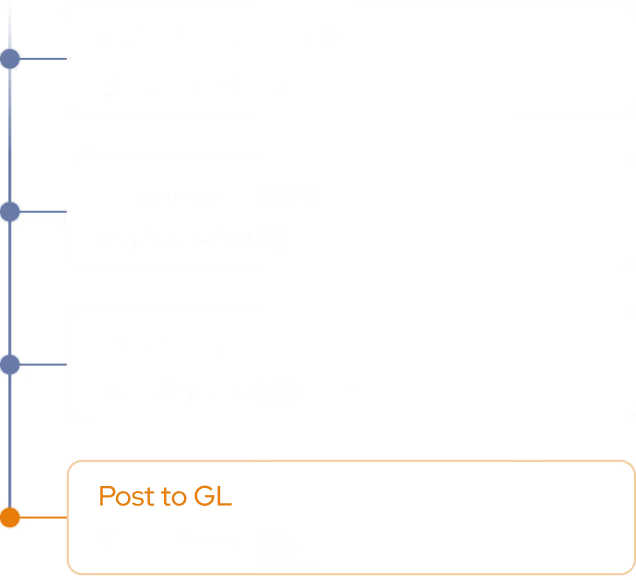
Billing Analytics: Execution Plan
step 1
Aggregate Billing Data
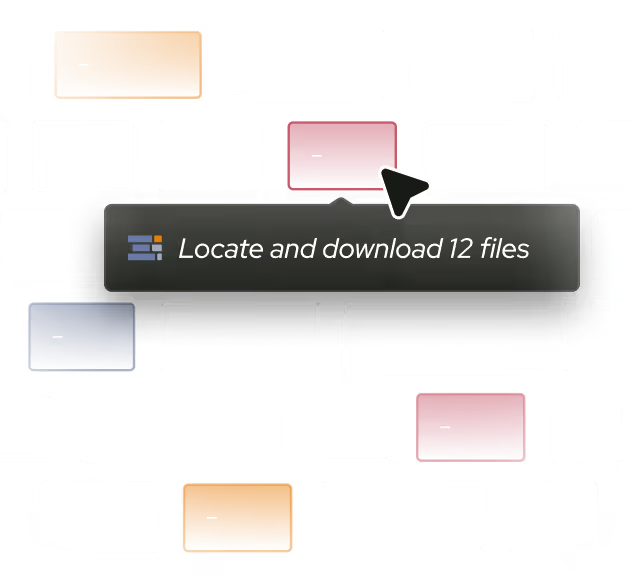
Pull billing data from your ERP and billing systems, and consolidate it across customers, time periods, and product lines.
step 2
Analyze Trends & Errors
Calculate revenue trends, average days-to-pay, billing errors, and churn signals, and compare across segments and periods.
Output
Generate Analytics Reports
Compile clear reports and dashboards with the metrics your team tracks, and route them for review on your schedule.

Billing insight, without the spreadsheets.

Woodrow connects to your ERP, billing systems, and supporting tools to turn raw billing data into analytics. It aggregates across customers, periods, and product lines, then computes the metrics your team tracks, so your team can spend less time building reports manually.
+ Outlook, Gmail, Slack, shared drives and any other tool your team uses.
Revenue trends
Track revenue across customers, periods, and product lines to see what is growing, what is slowing, and where billing activity has changed.
Billing error detection
Surface mispriced, missing, duplicate, or unusual charges so issues can be reviewed before they compound.
Days-to-pay & churn signals
Measure average days-to-pay and flag payment or retention risk signals, so the team can review accounts that may need attention.
HOW WOODROW WORKS

Automate your processes with enterprise AI

Woodrow helps teams automate cross-system workflows with the accuracy, auditability, and controls enterprise work requires. Connect your systems, describe the process, and Woodrow runs the workflow while keeping every step visible and reviewable.
01
Describe your workflow
Tell Woodrow what you want to automate in natural language. AI maps the necessary steps, systems, rules, and review points, then builds the complete workflow for you.
02
AI works across your stack
Woodrow plugs into your existing tools, pulling and pushing data where it's needed and running every step in place. No manual handoffs or copy-paste between systems.
03
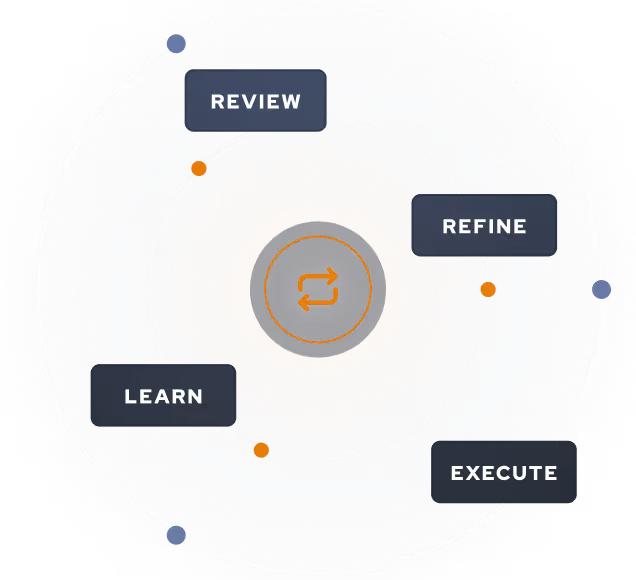
Woodrow keeps the workflow current
As your process changes, Woodrow updates the steps behind the scenes so the workflow stays accurate without manual rebuilds or constant maintenance.
Auditable and secure
Woodrow is SOC 2 Type II certified. Every workflow runs with scoped permissions, clear review steps, and an audit trail of the actions taken. PII stays within your environment and is never used to train any model.
Learn more about security

Common questions

What billing metrics can Woodrow report on?

Where does Woodrow pull billing data from?

Can Woodrow work with our existing reporting format?

How often can Woodrow refresh billing reports?

Can Woodrow identify billing errors?

Can Woodrow compare billing trends across customers or products?

EXPLORE MORE WORKFLOWS

More ways to automate RevOps