Woodrow fuzzy-matches transactions to your master customer list, drafts balanced journal entries for your ERP, and exports a ready-to-upload CSV, flagging unmatched data for review.
Pull revenue, expense, payment, or adjustment data from your source systems, organized by entity, account, customer, vendor, and period.
step 2
Match & Draft Entries
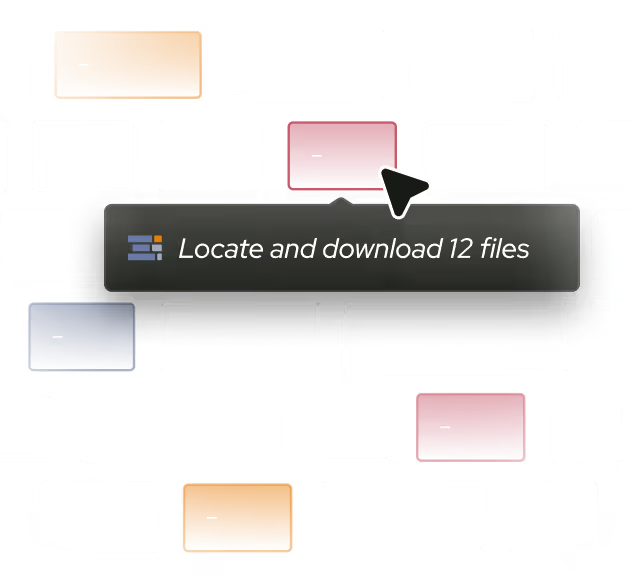
Fuzzy-match each transaction to your customer master list—handling name variations, abbreviations, typos, missing fields, and system artifacts—then draft balanced journal entries for your ERP.
Output
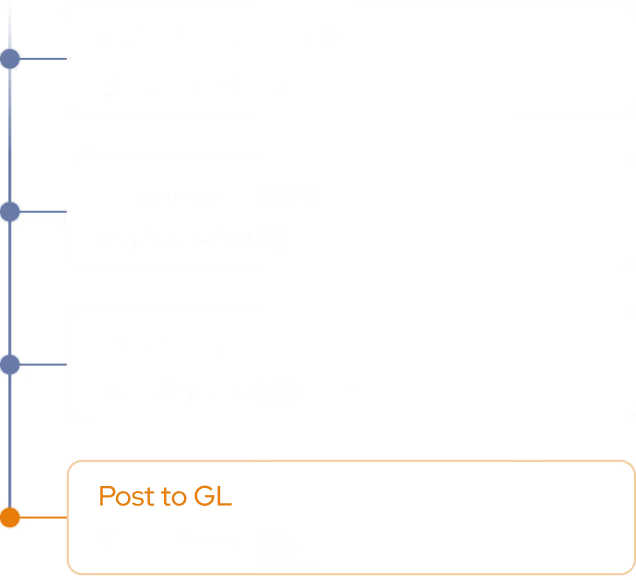
Validate & Export CSV
Run completeness, balancing, date, and formatting checks, export an ERP-ready file, and flag unmatched or incomplete records for human review.
Journal entries ready for your ERP
Woodrow connects to your transaction sources, customer master list, and ERP to draft journal entries at scale. It fuzzy-matches messy transaction data to the right customer records, balances every entry, runs validation checks, and exports a ready-to-upload CSV, so your team can spend less time matching, formatting, and keying entries manually.
+ Outlook, Gmail, Slack, shared drives, and any other tool your team uses.
Accurate customer matches
Match transactions to your master customer list despite name variations, abbreviations, typos, missing fields, duplicate records, and system artifacts.
Balanced entries
Generate journal entries in the format your ERP requires, with debits and credits balanced before export.
Ready-to-upload files
Run completeness, balancing, and date checks, then export a ready-to-upload CSV for NetSuite.
HOW WOODROW WORKS
Automate your processes with enterprise AI
Woodrow helps teams automate cross-system workflows with the accuracy, auditability, and controls enterprise work requires. Connect your systems, describe the process, and Woodrow runs the workflow while keeping every step visible and reviewable.
01
Describe your workflow
Tell Woodrow what you want to automate in natural language. AI maps the necessary steps, systems, rules, and review points, then builds the complete workflow for you.
02
AI works across your stack
Woodrow plugs into your existing tools, pulling and pushing data where it's needed and running every step in place. No manual handoffs or copy-paste between systems.
03
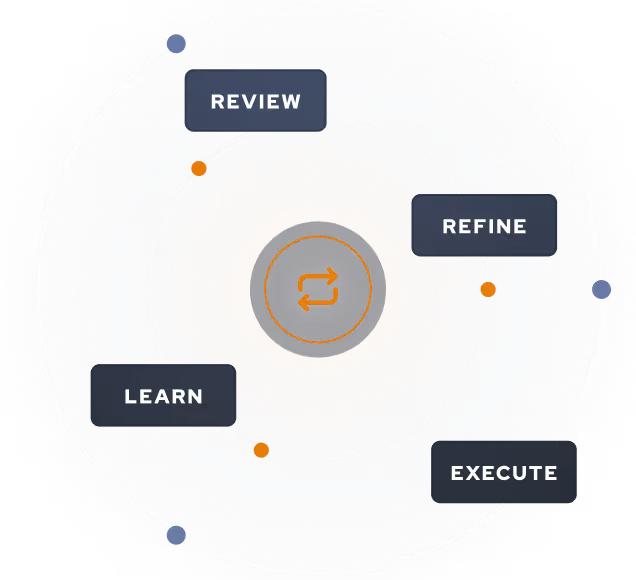
Woodrow keeps the workflow current
As your process changes, Woodrow updates the steps behind the scenes so the workflow stays accurate without manual rebuilds or constant maintenance.
Auditable and secure
Woodrow is SOC 2 Type II certified. Every workflow runs with scoped permissions, clear review steps, and an audit trail of the actions taken. PII stays within your environment and is never used to train any model.


.svg)
.svg)
.svg)
.svg)

%20(4).svg)


.svg)

.svg)




.avif)

.svg)



.svg)
