Woodrow matches transactions, revenue, expenses, and operational data across large datasets, then turns the results into profitability views by location, unit, customer, product, or segment—so your team can see where margin is being made or lost.
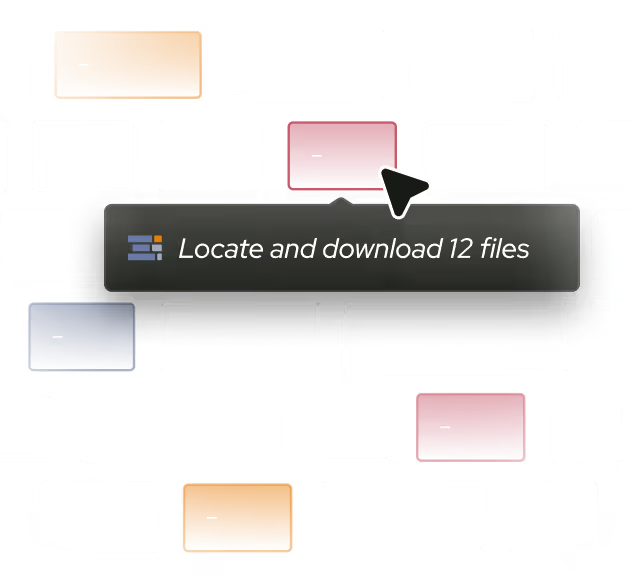
Pull the large source datasets you need—transactions, expenses, revenue, and other data from your systems, however they are structured.
step 2
Match Across Datasets
Match records across datasets—transactions to costs, payments to invoices—using the keys and rules you define, even when the data does not line up cleanly.
Output
Roll Up to P&L Views
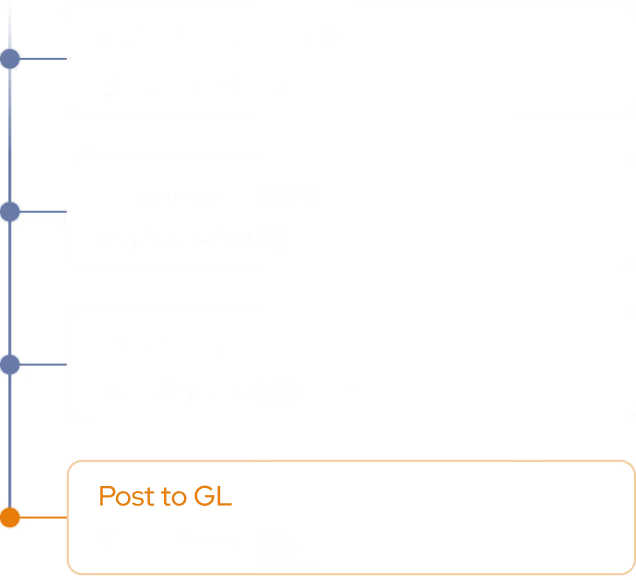
Aggregate the matched data into profitability reporting—by location, business unit, customer, product, or segment—and flag anything that could not be matched for review.
Granular profitability, without the data wrangling.
Woodrow connects to your ERP, data warehouse, and supporting systems to build profitability views across large, disparate datasets. It matches transactions, costs, and operational records, rolls the results up to the level your team tracks, and flags mismatches, so you can spend less time joining and reconciling data manually.
+ Spreadsheets, shared drives, and any other tool your team uses.
Cross-dataset matching
Join records across large, disparate datasets using the exact, fuzzy, and rule-based matching logic your team defines.
P&L roll-ups
Aggregate matched revenue, costs, claims, and expenses into profitability views by location, unit, customer, product, or segment.
Issues surfaced
Flag unmatched records, missing data, and unusual results for review instead of burying them in the totals.
HOW WOODROW WORKS
Automate your processes with enterprise AI
Woodrow helps teams automate cross-system workflows with the accuracy, auditability, and controls enterprise work requires. Connect your systems, describe the process, and Woodrow runs the workflow while keeping every step visible and reviewable.
01
Describe your workflow
Tell Woodrow what you want to automate in natural language. AI maps the necessary steps, systems, rules, and review points, then builds the complete workflow for you.
02
AI works across your stack
Woodrow plugs into your existing tools, pulling and pushing data where it's needed and running every step in place. No manual handoffs or copy-paste between systems.
03
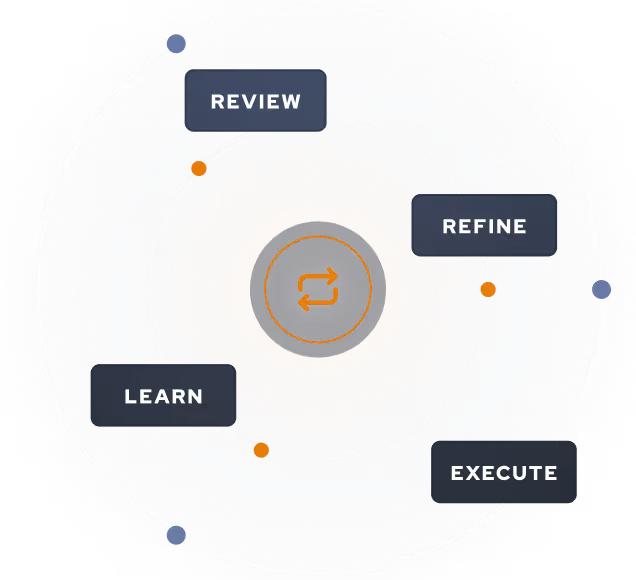
Woodrow keeps the workflow current
As your process changes, Woodrow updates the steps behind the scenes so the workflow stays accurate without manual rebuilds or constant maintenance.
Auditable and secure
Woodrow is SOC 2 Type II certified. Every workflow runs with scoped permissions, clear review steps, and an audit trail of the actions taken. PII stays within your environment and is never used to train any model.


.svg)
.svg)
.svg)
.svg)

%20(4).svg)




.svg)




.avif)

.svg)



.svg)
